

What to Do If Hackers Change Your Social Media Passwords
Social Media Account Hacked:
From Axximum Infosolutions – Cybersecurity Experts
Have you ever tried logging in to your social media account, only to find that your password no longer works? If hackers have taken over your Facebook, Instagram, Twitter (X), YouTube, or LinkedIn account, it can feel scary and frustrating. But don’t panic — there are steps you can take to recover your account and protect yourself from future attacks.
🚨 Step 1: Don’t Panic – Confirm the Hack
Sometimes login issues are caused by technical errors or forgotten passwords. Before assuming the worst:
- Try resetting your password with the “Forgot Password” option.
- Check your email or phone for login alerts.
- See if suspicious activities (messages, posts, or emails) were sent from your account.
If you’re sure it’s hacked — act fast.
🔑 Step 2: Recover Your Account (Platform-Specific)
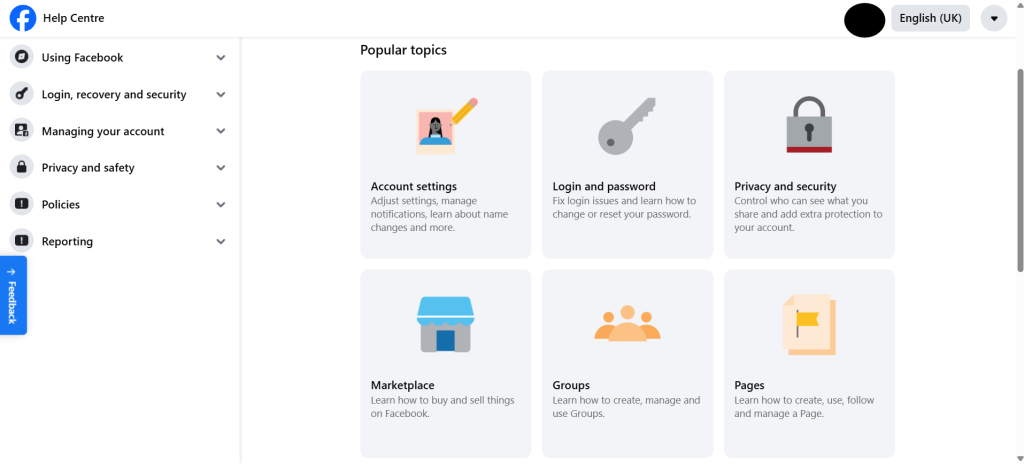
- Go to Facebook Recovery Page.
- Choose “My Account is Compromised”.
- Enter your email/phone and follow the steps.
- Facebook will send you recovery codes to reset your password.
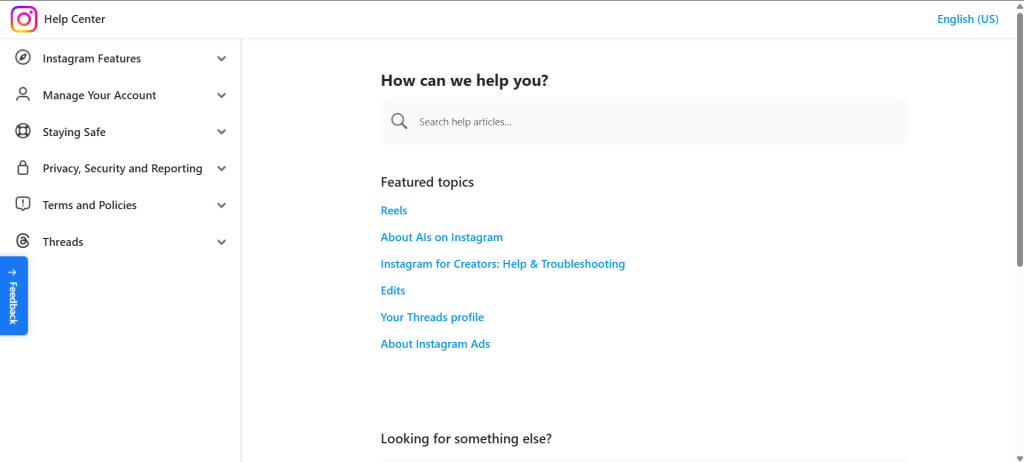
- Open Instagram login > Forgot Password?
- Use your phone number or email to get a reset link.
- If the hacker changed your details, tap “Need More Help?” and follow Instagram’s recovery process.
🔹 Twitter (X)
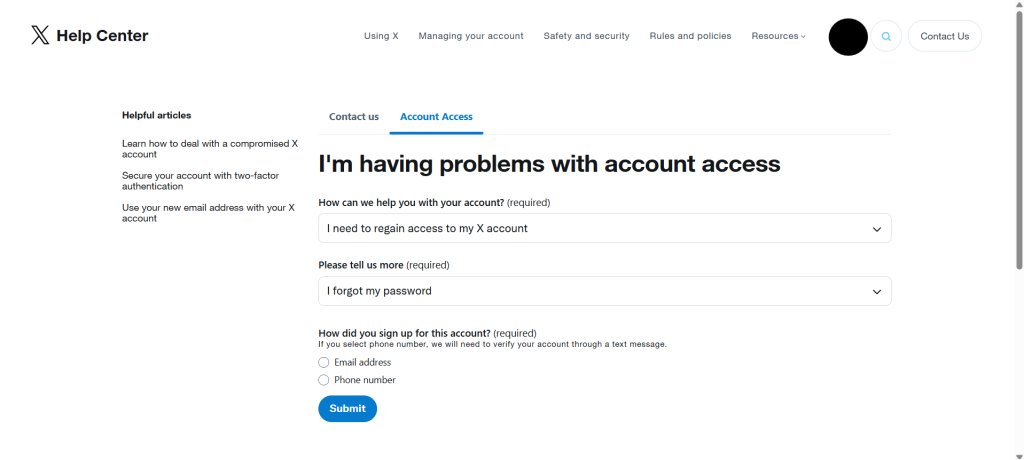
- Visit X Password Reset.
- Use your registered email/phone.
- If changed, contact Twitter Support with ID proof.
🔹 YouTube (Google Account)
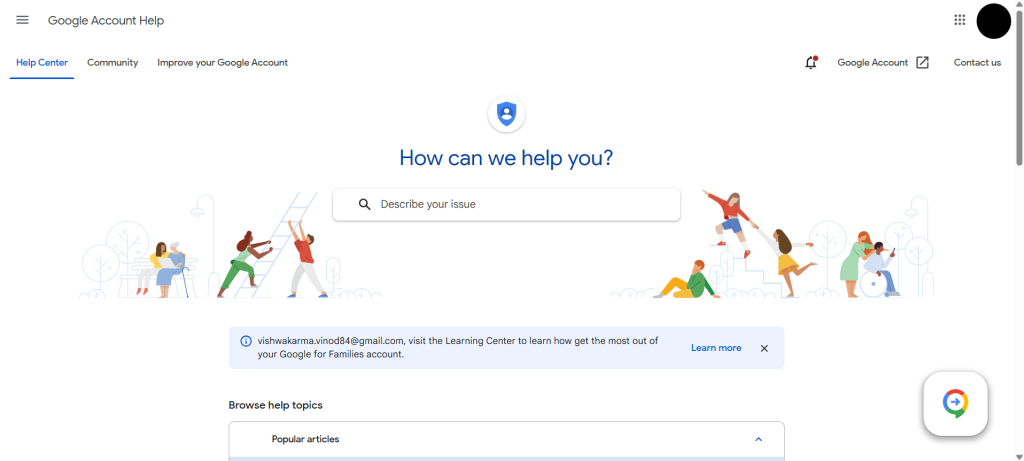
- Go to Google Account Recovery.
- Use your email/phone to verify your identity.
- If recovery fails, submit a support request.
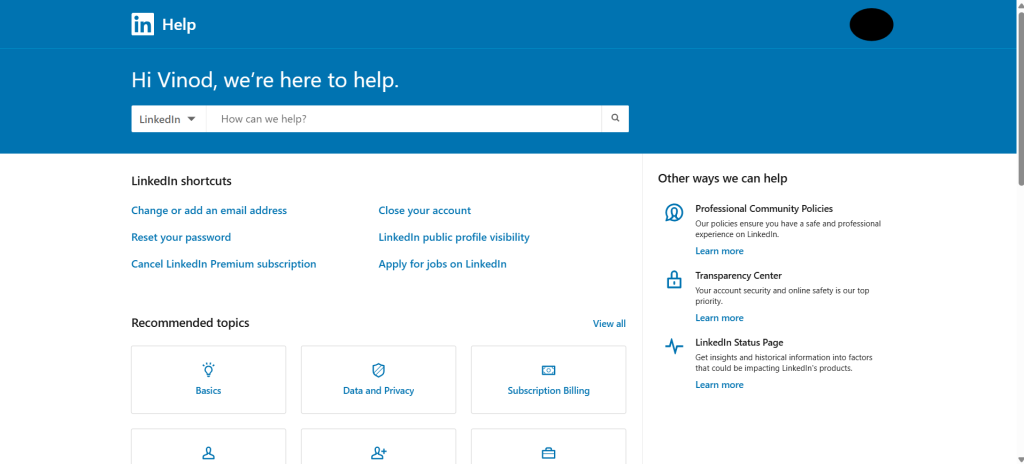
- Open LinkedIn Account Recovery.
- Use your registered email/phone.
- If details are changed, contact LinkedIn support directly.
🔒 Step 3: Secure Your Accounts
Once you regain access, secure them immediately:
- Change your password (use a strong mix of numbers, letters & symbols).
- Enable 2FA (Two-Factor Authentication) on all platforms.
- Remove suspicious apps connected to your accounts.
- Update recovery details (email, phone, security questions).
📧 Step 4: Notify Friends & Contacts
If hackers posted spam or sent messages from your account:
- Inform your friends and followers not to click suspicious links.
- Delete unwanted posts or DMs.
🛡️ Step 5: Learn & Stay Safe
To avoid future hacks:
- Avoid using the same password everywhere.
- Don’t click unknown links or attachments.
- Use antivirus and keep devices updated.
- Consider a password manager.
✅ Final Thoughts – Axximum Infosolutions Advice
Social Media Account Hacked Recovery Guide 2025
Getting hacked is stressful, but quick action can save your accounts. At Axximum Infosolutions, we help individuals and businesses protect their digital presence with ethical hacking, cybersecurity training, and recovery support.
If you want to stay ahead of hackers, start learning cybersecurity basics today.
